




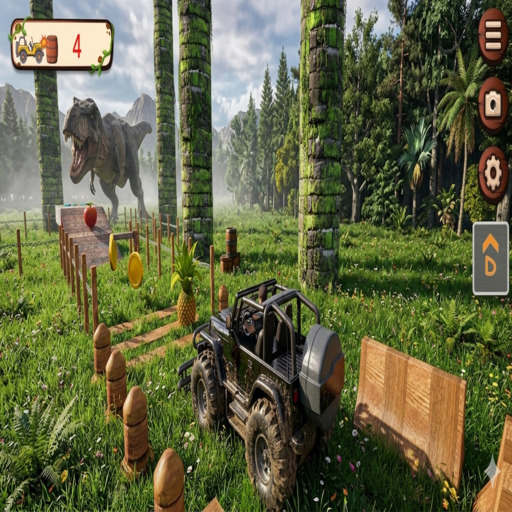









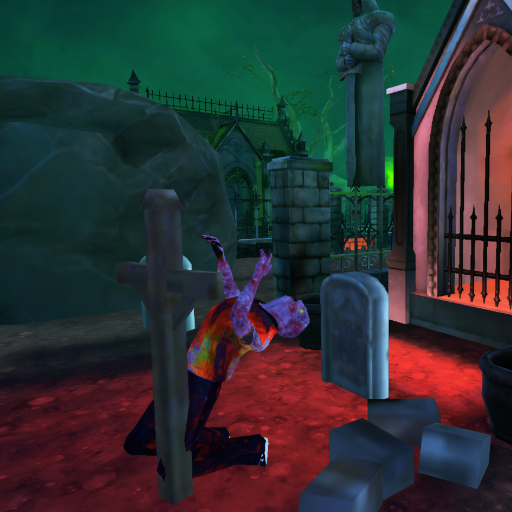





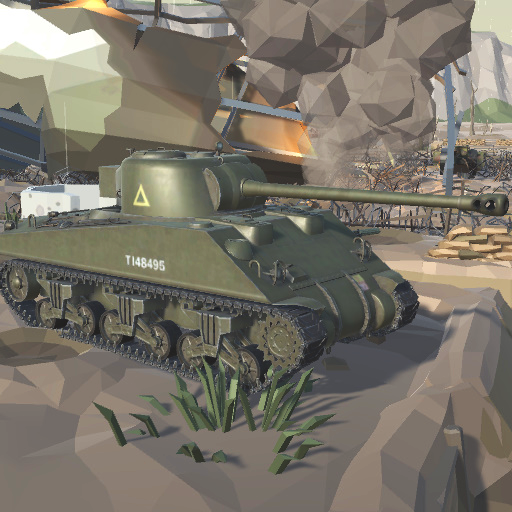

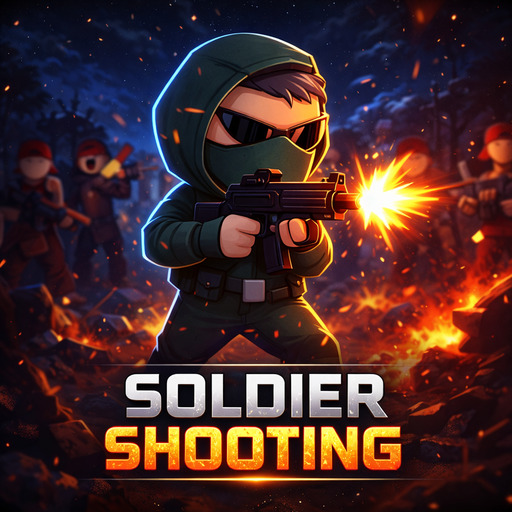


Outbreak Ops is an action shooting game that puts you in control of an armed operative fighting through dangerous outbreak zones. Your objective is to survive hostile encounters by moving carefully, aiming accurately, managing your weapons, and using your combat abilities at the right moment.

Unlike a simple point-and-shoot game, Outbreak Ops gives you several ways to respond during combat. You can move around the battlefield, aim and fire at enemies, reload your weapon, dash to reposition quickly, and use grenades when you need additional firepower. Combining these actions effectively becomes important when multiple threats are nearby.

Positioning also matters. Staying in one place for too long can make it harder to respond when enemies approach, while uncontrolled movement can make accurate shooting more difficult. Learning when to attack, when to reposition, and when to reload helps you stay in control during more intense encounters.

You can play Outbreak Ops online on Freecase24 directly through a supported HTML5 browser. The game supports desktop controls as well as virtual controls for compatible phones and tablets.

How to Play Outbreak Ops

Move through the combat area and eliminate hostile threats while trying to avoid taking unnecessary damage. Keep track of your surroundings, aim carefully, and reposition whenever remaining in the same location puts you at risk.

On desktop, use WASD to move your character and the mouse to aim. Press the left mouse button to shoot and R to reload your weapon. Use Shift to dash and Space to use a grenade.

On compatible mobile devices, movement is handled through a virtual joystick while the on-screen combat buttons provide access to the game's available actions.

Outbreak Ops Tips and Strategy

Keep moving during combat: Avoid remaining in one position unnecessarily. Repositioning can give you a safer angle and make it more difficult for enemies to surround you.

Aim before firing: Rapid shooting is not always the best approach. Taking a moment to line up your aim can make your attacks more effective and reduce unnecessary shots.

Reload at a safe moment: Reloading in the middle of immediate danger can leave you unable to fire when you need your weapon most. Look for a safer opportunity before pressing R.

Use the dash strategically: The dash is useful for quickly changing position. Consider using it to escape dangerous situations or create distance rather than treating it as ordinary movement.

Don't waste grenades: Grenades provide another combat option, so use them when the situation justifies it instead of using them automatically against every threat.

Watch your surroundings: Focusing entirely on one enemy can make you vulnerable to other threats. Regularly check the surrounding area while fighting.

What Makes Outbreak Ops Different?

Outbreak Ops combines straightforward shooting controls with additional combat actions such as reloading, dashing, and grenade use. These mechanics give players more decisions to make than simply aiming at enemies and continuously firing.

The dash provides a quick repositioning option, while grenades give you an alternative way to respond when ordinary gunfire is not the only action you want to take. Because these abilities serve different purposes, choosing when to use each one becomes part of the challenge.

The combination of movement and aiming also rewards coordination. Moving constantly without controlling your aim can make attacking more difficult, while standing still for too long can leave you exposed. Finding the right balance between movement and accurate shooting is an important part of playing effectively.

Outbreak Ops FAQ

What type of game is Outbreak Ops?

Outbreak Ops is an action shooting game in which you control an armed operative and fight hostile threats in outbreak-themed combat environments.

What is the objective of Outbreak Ops?

Your objective is to survive combat encounters and eliminate hostile threats by combining movement, accurate shooting, weapon management, and the additional abilities available to your character.

What are the desktop controls for Outbreak Ops?

Use WASD to move, the mouse to aim, and the left mouse button to shoot. Press R to reload, Shift to dash, and Space to use a grenade.

Can I use grenades in Outbreak Ops?

Yes. Grenades are one of the available combat actions. On desktop, the grenade action is assigned to the Space key.

Can I dash in Outbreak Ops?

Yes. The game includes a dash action that can be activated with Shift on desktop. It provides another way to reposition your character quickly during combat.

Can I play Outbreak Ops on mobile?

Yes. On compatible mobile devices, Outbreak Ops provides a virtual joystick for movement and on-screen buttons for combat actions.

Do I need to download Outbreak Ops?

No. The HTML5 version can be played directly through a compatible web browser on Freecase24 without installing the game.

About this game

Details Info
Platform Browser (HTML5)
Supported devices Desktop, Phone & Tablet
Genre Shooting Games
Developer CyberArcade Studios
Release Date 11.05.2026
Latest update 11.05.2026
Rating 4.0 (35,265 votes)

Best Online Games on Freecase24

Balloon Pop Master, Tomato Bounce, World Flags Pop, Minecraft Pixel Gun Shooter, Fruit Slicer Fun, Head Ball Challenge

Comments

What didn’t you like?

Your feedback helps us improve!

×

Thank You!

Your feedback has been submitted successfully.