

Let’s be honest for a second. Handing your tablet to a seven-year-old feels a bit like handing them the keys to a spaceship where half the buttons are self-destruct mechanisms and the other half are direct hotlines to salespeople selling digital glitter. I remember, about six years ago during my time consulting on digital media literacy for elementary schools, watching a room of second-graders navigate the web. The speed at which a kid can go from a harmless coloring page to a bizarre, ad-choked rabbit hole of simulated plastic surgery games is terrifying. It’s dizzying.
And that’s why we need to talk about real safety in gaming. Not the corporate checklist version of "safety" that companies use to cover their backsides, but actual, practical peace of mind.
We aren't just looking for games that lack blood and guts. We’re looking for environments that don't exploit a child's developing brain. Let's dig into how we actually find safe kid games without turning our homes into low-tech monasteries.
The Nostalgia Trap: Why the Old Ways Feel Safer
I catch myself getting incredibly nostalgic. If you look back at the best Gamecube games, they were inherently self-contained. You bought a disc. You popped it in. There were no in-app purchases, no anonymous adults in a chat lobby screaming obscenities, and absolutely no tracking cookies harvesting your kid’s behavior to sell them plastic toys three weeks later. It was safe by default.
But we don't live in 2004 anymore. Today, everything is connected. Even browser gaming, which used to be a quick distraction on websites filled with flashing banners, has morphed. Interestingly, that older style of play is having a weird renaissance; we've seen this with the way PS2 games are trending in browser gaming lately, as players seek out more structured, complete experiences rather than endless-loop mobile games.
But back to the present. How do we recreate that "self-contained" safety in a world where everything wants a piece of your kid’s attention and your wallet?
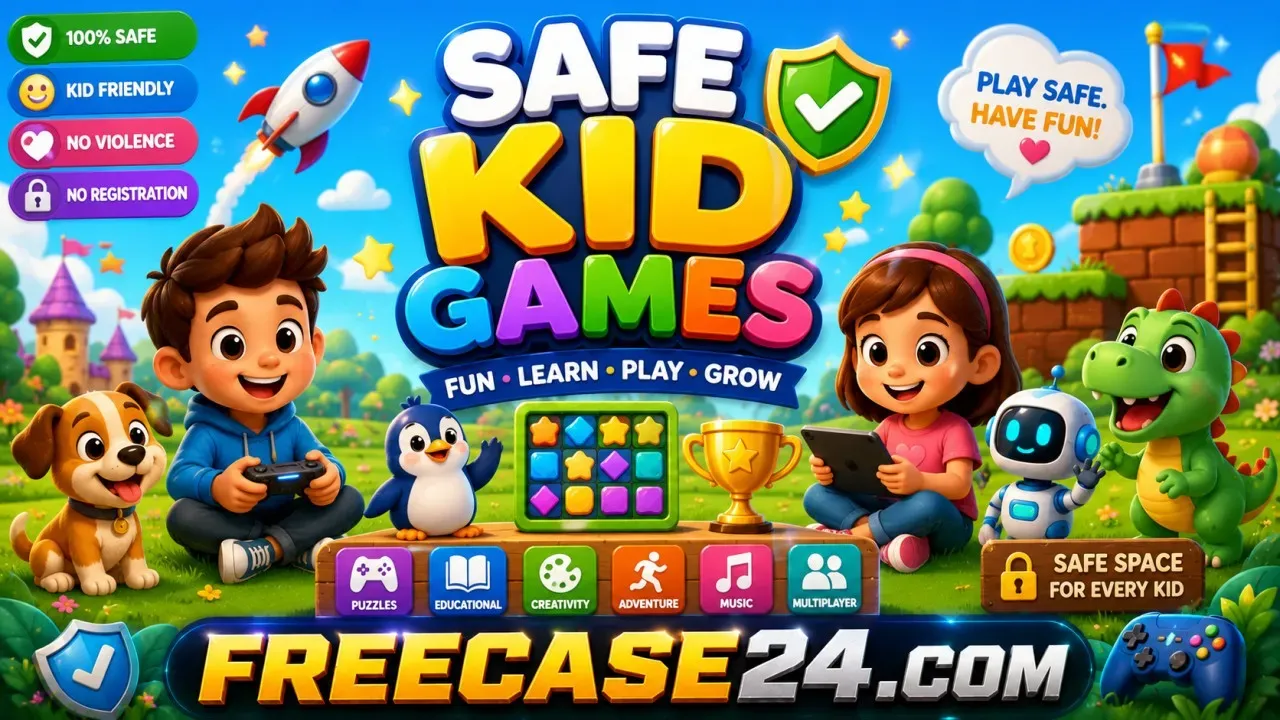
What Actually Constitutes Safe Kid Games?
Let’s break this down. When I evaluate a game for my niece or nephew, I look at three distinct pillars. If a game fails even one of these, it goes into the "not without direct supervision" pile.
- Zero Predatory Monetization: This is my biggest pet peeve. If a game constantly halts progress to ask for "gems" or "coins" that cost real money, it is not safe. Kids don’t understand the value of virtual currency vs. real money; their brains literally aren't wired for it yet.
- No Unmoderated Social Spaces: Open text or voice chat with strangers is an automatic dealbreaker. Period.
- Clean Data Privacy: This is the invisible one. According to a landmark FTC study on digital advertising, a shocking percentage of apps aimed at children actively violate COPPA regulations by tracking location data or device IDs.
Actually, let me stop myself here. It’s easy to get paranoid and ban screens altogether. I’ve tried that. It doesn't work; they just become the "forbidden fruit" kid who goes wild at their friend's house. The goal isn’t avoidance it’s curation.
For instance, instead of letting them browse open app stores, I often steer them toward curated, lightweight HTML5 platforms like this no-download gaming portal. Why? Because these games run entirely inside the browser without requiring heavy installations or asking for device permissions that compromise privacy. It keeps things sandbox-isolated.
The Sneaky Traps We Often Overlook
We need to talk about "dark patterns." This is a user-interface design term for when a website or game is deliberately designed to trick you into doing something you didn't mean to do like clicking an ad disguised as a "Next Level" button.
Have you ever watched a kid play a cheap mobile game? They’ll click a giant, flashing green button that says "PLAY NOW," only to be redirected to an external site. That’s a dark pattern. A safe kid game shouldn't feel like navigating a minefield of accidental clicks.
Another trap is user-generated content (UGC). Platforms like Roblox are incredible for creativity, but they are incredibly difficult to police. You might think your kid is playing a simple obstacle course, but the chat, or the custom skins created by other users, can take a turn very quickly. I always tell parents: UGC platforms require active, shoulder-to-shoulder supervision, regardless of what the age rating says.
Practical Strategies to Build a Digital Safe Haven
How do we actually implement this without making ourselves crazy? Here’s my personal playbook, refined over years of dealing with both school IT networks and stubborn seven-year-olds.
- Use a Dedicated Child Profile: Never, ever let your child play games on your personal Google or Apple account. Set up a family link account. It takes 15 minutes, but it blocks unauthorized purchases and filters search results at the system level.
- The "Airplane Mode" Trick: For offline games on tablets, turn off the Wi-Fi. It immediately disables 90% of the annoying pop-up ads and completely eliminates the risk of accidental online interaction.
- Whitelist, Don't Blacklist: It’s much easier to allow five specific websites or apps than to try and block the millions of bad ones. Create a "Games" bookmark folder on their browser and make that their only starting point.
Let me emphasize this: the best security tool is still your presence. You don’t have to watch them play every second, but sit with them for the first ten minutes of any new game. See how it handles ads. See how it handles failures. Does it mock them into buying a restart? If so, delete it.
Frequently Asked Questions
How do I know if a browser game is actually safe for my kid?
Look at the URL bar first. If it doesn't have the little lock icon (HTTPS), leave immediately. Beyond that, watch the game for five minutes. If it bombards the screen with redirects, requests access to your location, or asks for a login before they can even play, it's not a safe environment. Trusted platforms will let kids play immediately without demanding personal information.
Are free-to-play online games ever truly safe kid games?
Yes, but they are rare. Truly safe kid games that are free usually fall into one of two categories: educational games funded by public media (like PBS Kids) or simple, single-player HTML5 games that make their money from static, non-intrusive side-banner ads rather than interactive pop-up ads or microtransactions. Always test a free game yourself to see how the monetization is structured.
Why are some "E for Everyone" rated games still causing issues?
The ESRB (Entertainment Software Rating Board) rating only covers the core game content created by the developers. It does not cover online interactions. A game can be rated "E" because the gameplay is harmless, but if it has an unmoderated multiplayer chat room, your child could still be exposed to highly inappropriate language or behavior.
What is the single biggest setting I should change on my kid's device?
Disable "In-App Purchases" at the operating system level. On iOS, you can do this via Screen Time settings; on Android, require a password/biometrics for every single purchase. This single step prevents 99% of the accidental-billing nightmares that keep parents awake at night.
Is Roblox safe if I turn on all the parental controls?
Roblox can be made safer, but it is never 100% safe. Even with strict parental controls that disable chat and restrict access to curated games, the platform relies heavily on user-generated content. Glitches, bypasses of moderation filters, and copycat games containing inappropriate themes can still slip through temporarily. It should always be played in a shared family room.
Moving Forward with Confidence
At the end of the day, we can’t bubble-wrap the entire internet, and frankly, we shouldn't try. Gaming is a wonderful, creative, and highly social outlet when done right. By focusing on curated browser spaces, setting hard boundaries on monetization, and keeping our own eyes open, we can let our kids explore the digital world without the constant low-grade anxiety of what they might click next.
Take a deep breath. Start small. Pick two or three reliable sites, bookmark them, and enjoy watching your kid solve puzzles or race cars without worrying about the hidden costs.